What you need to know
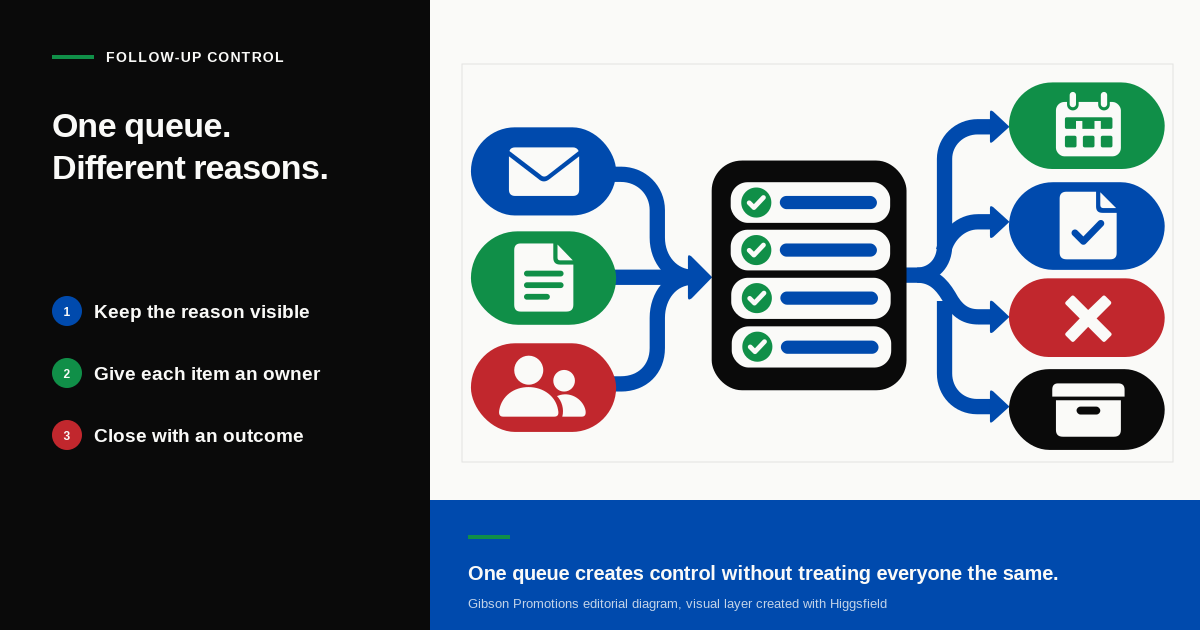
- New enquiries, open quotes and past customers need different messages, even when they share one work queue.
- Every item needs a reason, owner, next action, due time and outcome.
- Unknown is a valid outcome when the evidence is missing.
- Start with 20 records and repair the process before importing a whole database.
- A reply is not a booking, and a booking is not paid work.
What is a customer follow-up queue?
A customer follow-up queue is one ordered list of records that need a real next action. It can hold new enquiries, open quotes and past customers who have a reason to return.
Those people are still different groups. Each record keeps its own reason, relationship, permission and message. The queue shows who owns the next step and when it is due.
Which records belong in the queue?
Begin with record groups the business can explain.
| Group | Why it is open | Useful next question |
|---|---|---|
| New enquiry | A real request has no clear next step | Has someone answered and recorded the need? |
| Open quote | A quote was sent but no decision is recorded | Does the customer need information, time or closure? |
| Past customer | The relationship and service history support a relevant check-in | Is another service or visit reasonably due? |
Step 1: give every record a reason
Do not add a person because the database says old, cold or dormant. Write the specific reason the business is reviewing the record. A useful reason can be checked by another person.
Examples include a quote sent with no decision, a missed call with no response recorded or a service date that may make another visit relevant.
Step 2: check relationship and permission
Before any email or SMS, check where the details came from, what relationship exists, whether the message is relevant and whether the person opted out. ACMA says the sender must be able to show permission and provide a working unsubscribe.
Keep records out of the active queue when permission is unclear, the details are wrong or the person has opted out. Fix the issue before any contact.
Step 3: name one owner
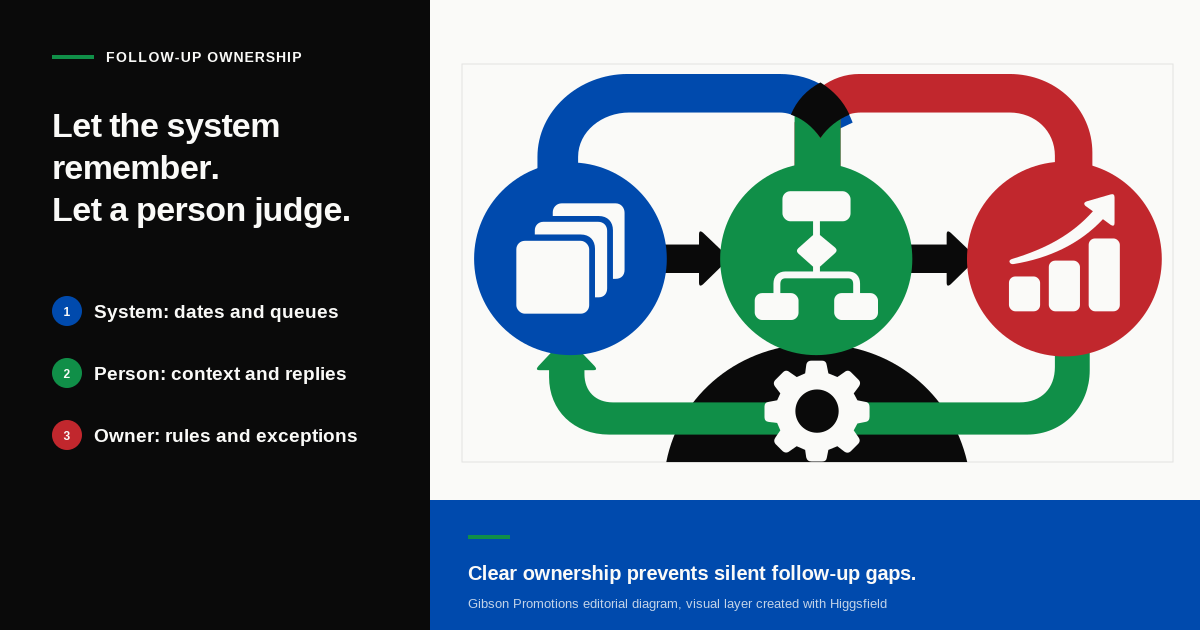
A team cannot own a follow-up. One person must be responsible for the next action. The owner can change later, but the record should never sit between marketing, sales and administration with nobody named.
The owner must know who handles complaints, quote changes, payment questions and unusual requests.
Step 4: write the next action and due time
Write the action as a verb: call, reply, review, book, close or ask. Add a date and time. Avoid vague labels such as follow up soon.
The due time should match the situation. A new enquiry may need attention today. A quote or past-customer check may follow an agreed schedule.
Use a daily customer follow-up rhythm to review what is due, take the next action and record the result.
Step 5: use honest outcomes
Close each action with a supported state.
- Booked: a next step is confirmed.
- Later: the person asked for a specific later time.
- Closed: the need ended or the business decided not to proceed.
- Opted out: future marketing contact is suppressed.
- Unknown: the record does not show what happened.
Step 6: keep business outcomes separate
A sent message is activity. A reply is engagement. A booking is a next step. Completed work and payment are later business outcomes. Report each state separately.
This stops the team from calling every reply a success and helps the owner see where work actually stalls.
Step 7: test 20 records before scaling
Choose 20 records from one group. Work through the whole path and note every missing field, duplicate, unclear owner and unsupported outcome.
Fix the pattern before importing hundreds or thousands of records. A small test shows whether the team can safely handle replies and record results.
What should the weekly review show?
The owner needs a short view of work, not a wall of activity.
| Measure | Why it matters |
|---|---|
| Added | Shows new workload |
| Due and overdue | Shows capacity and ownership gaps |
| Contacted | Shows completed activity |
| Replies | Shows conversations, not sales |
| Booked or qualified handoffs | Shows useful next steps |
| Closed and opted out | Shows clean endings |
| Unknown | Shows records that still need evidence |
Frequently asked questions
Can leads, quotes and old customers use the same message?
No. They can share a work queue, but the message must match the relationship and reason. A new enquiry, an open quote and a past customer are different situations.
What fields does a follow-up system need?
At minimum: reason, relationship, permission state, owner, next action, due time, contact history and outcome.
Should unknown records be deleted?
Not automatically. Keep unknown as a visible state, resolve what can be supported and avoid contacting records whose source or permission cannot be explained.
How many records should we test first?
Twenty records from one well-defined group is enough to expose common process gaps without overwhelming the team.
Does a reply count as a successful reactivation?
A reply is engagement. Report bookings, qualified handoffs, completed work and payment separately when those later records are available.
Sources and evidence
- ACMA: avoid sending spam: ACMA explains the consent, sender identification and unsubscribe rules that apply to commercial email and SMS.
- ACMA: consent expectations for direct marketing: ACMA recommends clear consent terms, easy withdrawal and regular review of marketing processes and providers.