What you need to know
- Credentials, fields, staff and offers change after launch.
- A successful workflow run does not prove the customer received or understood the message.
- A retry must check whether the work already happened so it does not contact someone twice.
- Opt-outs and replies must stop later automated steps.
- Every change needs a version, test record, owner and rollback path.
- The maintenance plan is part of the custom workflow, not an optional extra.
Why does automated follow-up need maintenance?
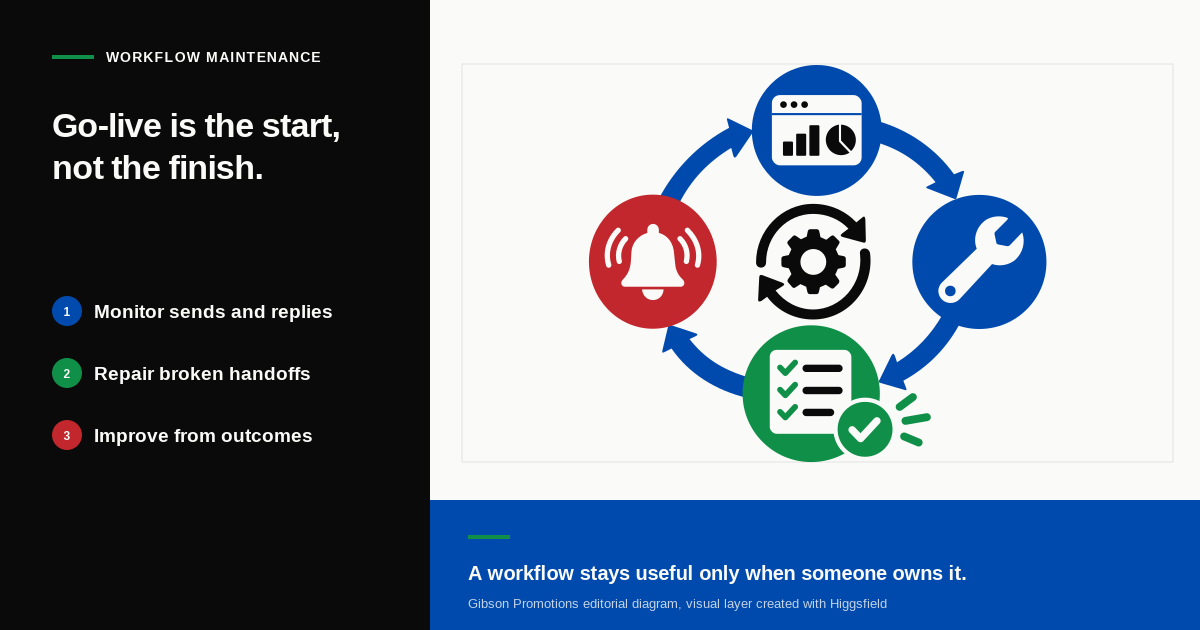
The workflow depends on facts that change: CRM fields, API credentials, staff ownership, provider settings, sender IDs, offers and customer permissions. Automation can continue running while one of those assumptions is wrong.
Maintenance checks both the technical path and the customer outcome. A green workflow icon is only one piece of evidence.
Why is a custom workflow still easier to own?
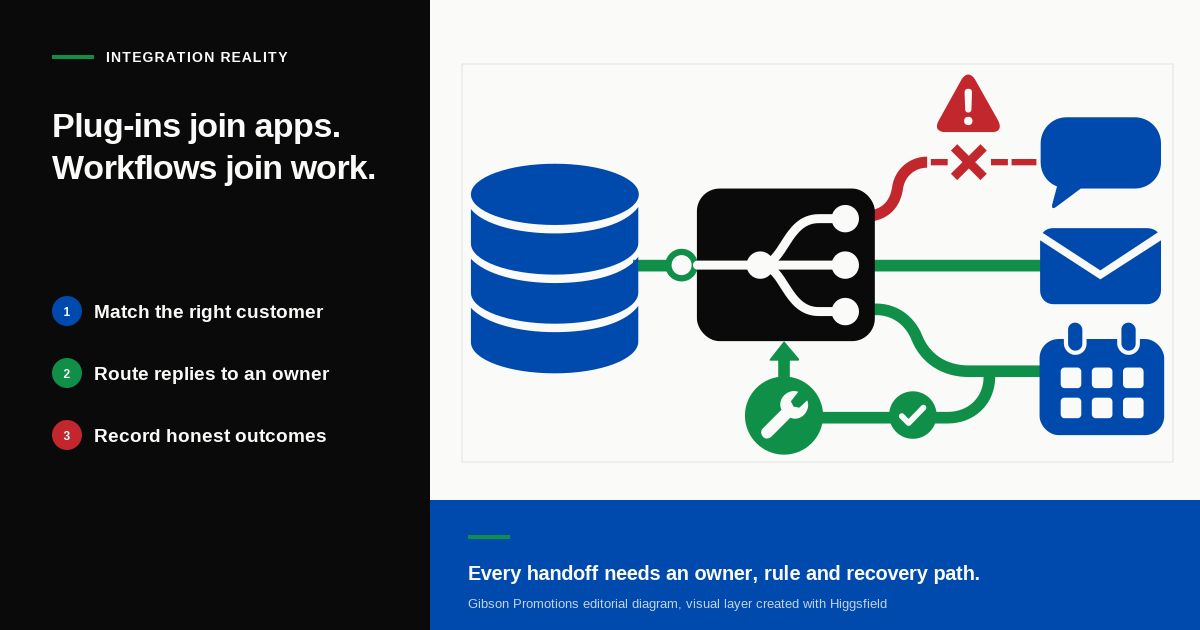
Custom should not mean mysterious. A well-built workflow records its rules, field mappings, owners, message versions and stop conditions. That makes change safer because the business can see what the system is meant to do.
A generic sequence may launch faster, but the hidden work returns when the business has a different sales stage, shared phone number, unusual booking rule or customer question. Gibson designs those differences into the workflow and its maintenance plan.
What commonly breaks?
| Change | Possible effect |
|---|---|
| CRM field renamed | Trigger stops or reads the wrong value |
| Employee leaves | Replies go to an inactive owner |
| Credential expires | Messages or updates fail |
| Provider setting changes | Opt-out or routing behaviour changes |
| Offer changes | Old wording remains active |
| Retry runs twice | Duplicate task or message is created |
| Automatic update address expires or moves | Delivery and reply records stop updating |
What should be monitored continuously?
- Send and delivery failures.
- Errors in automatic status updates and repeated attempts.
- Unmatched replies.
- Opt-outs that did not suppress later steps.
- Records with no owner.
- Tasks that remain overdue.
- API usage approaching provider limits.
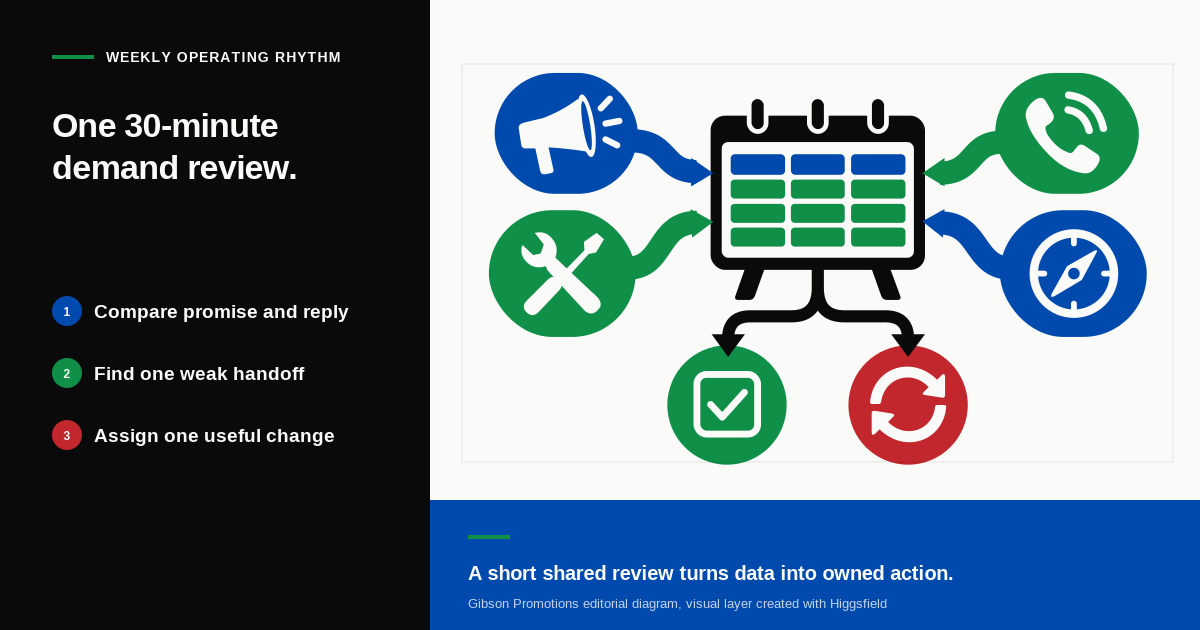
What should be checked weekly?
- Read a sample of sent messages and replies.
- Confirm every reply reached a person.
- Review unknown and duplicate outcomes.
- Check staff ownership and escalation.
- Compare booked, closed and opted-out records with raw activity.
- Record any rule or wording change.
How should a workflow change be released?
Use a small release process.
- Write the reason for the change.
- Copy the current version and keep a rollback path.
- Test eligible, ineligible, duplicate, failed and opt-out records.
- Have the business owner approve visible wording and rules.
- Release to a small group.
- Check events and replies before expanding.
- Record the new version and date.
Why do retries need special care?
A connected system can time out after the work has already happened. Trying again without checking may send the same message or create the same CRM task twice.
Give each request its own reference number. The second attempt can then see whether the first one finished. Keep uncertain delivery marked as uncertain instead of guessing.
When should the workflow stop?
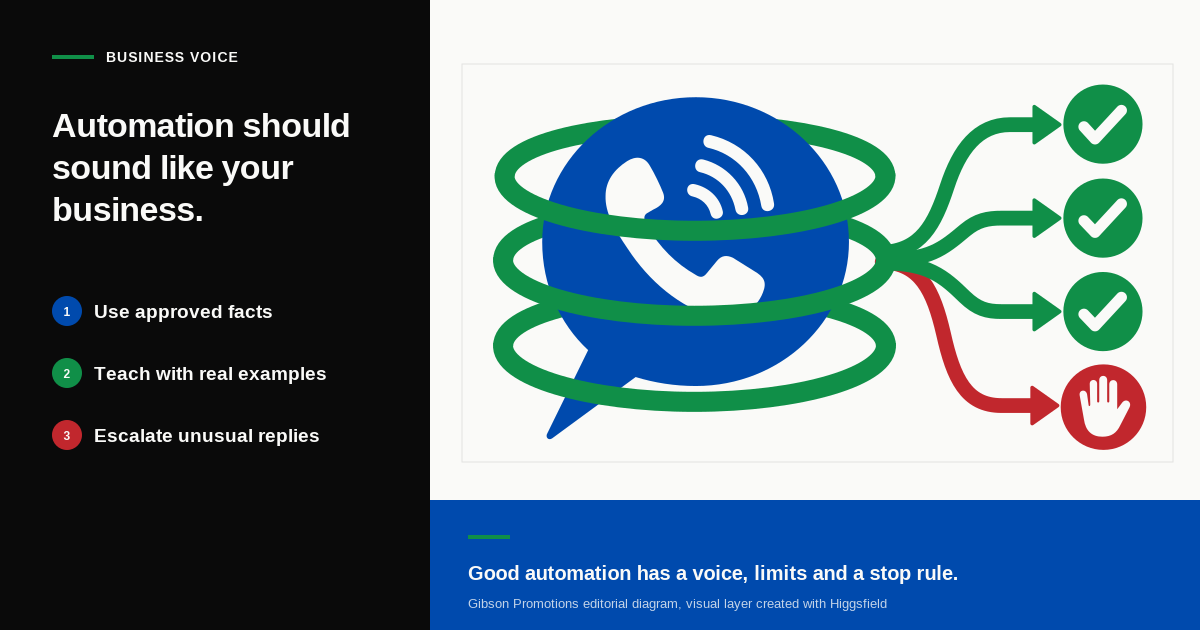
Stop when permission is unclear, the offer is no longer true, replies have no owner, opt-outs do not suppress later messages, delivery states are missing or a provider change has not been tested.
A manual queue is safer than an automated workflow whose controls cannot be trusted.
Frequently asked questions
How often should CRM automation be reviewed?
Monitor failures continuously, run a short weekly operating check and perform a fuller review after any field, staff, offer, provider or workflow change.
Can a workflow fail without showing an error?
Yes. It may run successfully while using stale wording, an inactive owner or an incorrect business rule.
What is a safe retry?
It means the system checks whether the first attempt already worked before it sends the message or creates the task again.
When should automation be paused?
Pause when permission, routing, opt-out handling, delivery evidence or reply ownership cannot be trusted.
Sources and evidence
- Twilio: Messaging Services: Twilio explains the automatic delivery updates, incoming messages and opt-out data that a connected system must handle.
- Zoho CRM API v8 limits: Zoho explains daily usage, simultaneous request and operation limits that connected systems must monitor.
- Zoho CRM: Notification APIs: Zoho explains the notifications, field rules, connection IDs and expiry controls used to keep connected apps up to date.