What you need to know
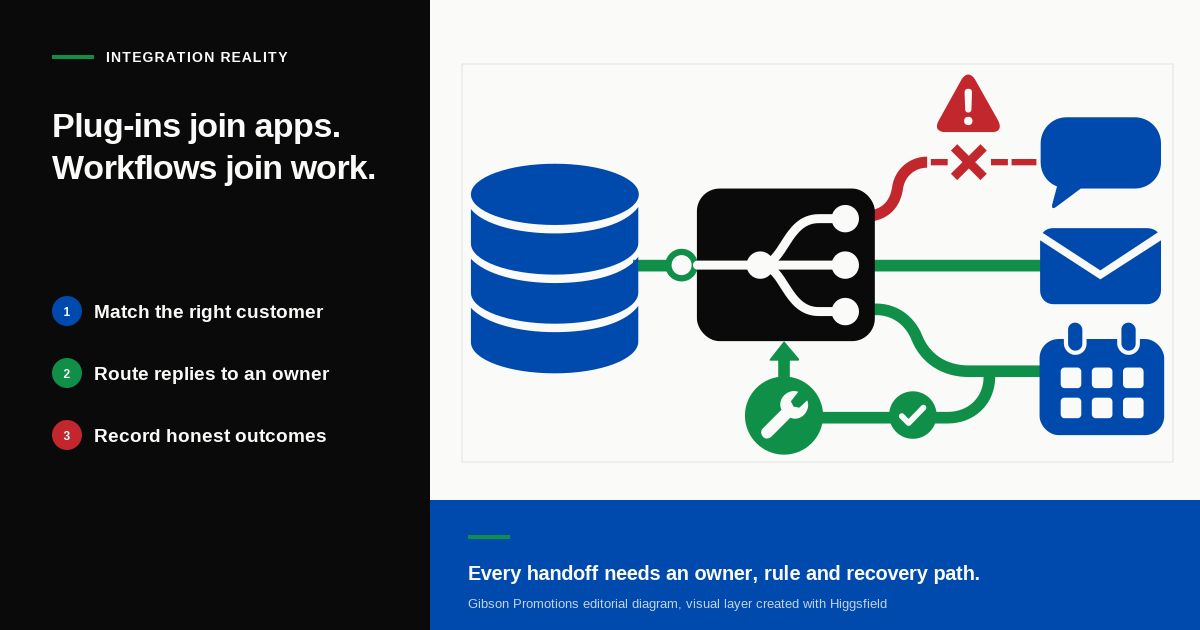
- A plug-in connection does not define the business rules.
- A useful system is a custom workflow built around the way the business sells and serves.
- The same person may exist as several CRM, phone, email and job records.
- An accepted SMS is not the same as a delivered SMS or a customer reply.
- Opt-outs must suppress future marketing across the connected system.
- Workflows need monitoring, version control, tests and a named owner.
- Australian branded sender IDs have required registration since 1 July 2026.
Why do CRM and SMS integrations look easier in a demo?
A demo shows a clean record, one trigger and one message. A live business has duplicate contacts, missing fields, several phone formats, shared inboxes, changed staff, old workflows and customers who reply in unexpected ways.
The connector can move data. The business still has to define which record is trusted, who may be contacted, what message is allowed, where replies go and what happens when any step fails.
What does Gibson mean by a custom workflow?
A custom workflow is the agreed path from a real business event to a useful next action. It uses the business's own stages, fields, permission rules, staff roles, message examples and outcome definitions.
Gibson may connect a CRM, SMS provider, email system or AI model, but the connection is not the product. The work is designing and testing the full path so it fits the business instead of forcing the business into a generic sequence.
- Map the real customer path and the records that support it.
- Decide who is eligible and who must be excluded.
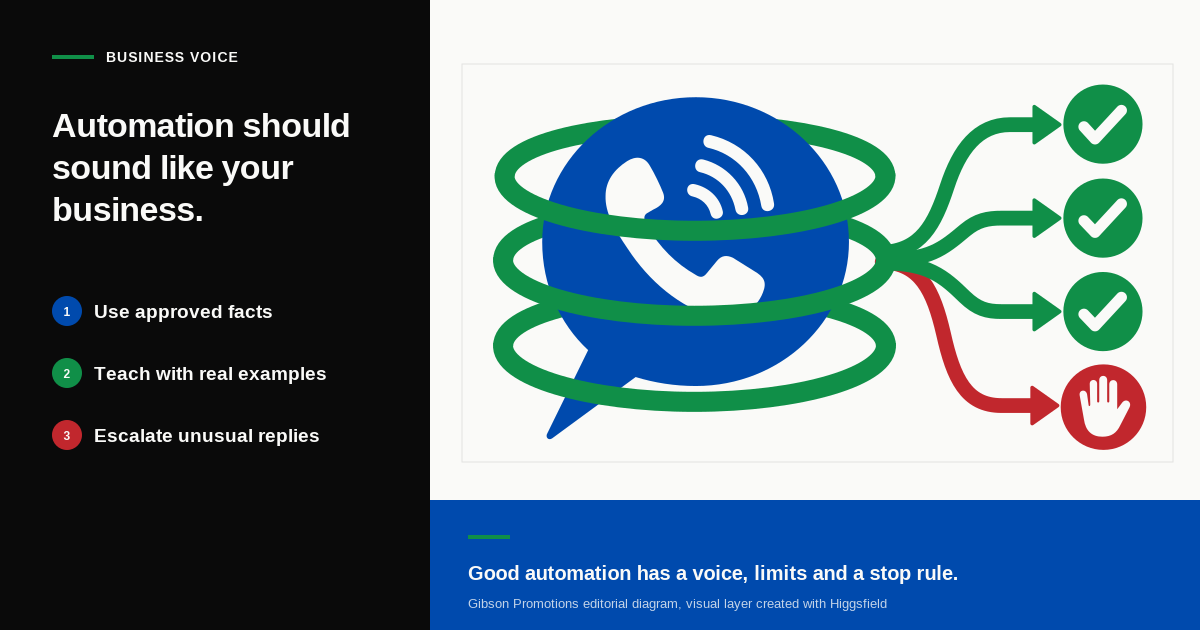
- Write the message rules and approved business voice.
- Route normal replies, unusual replies and opt-outs correctly.
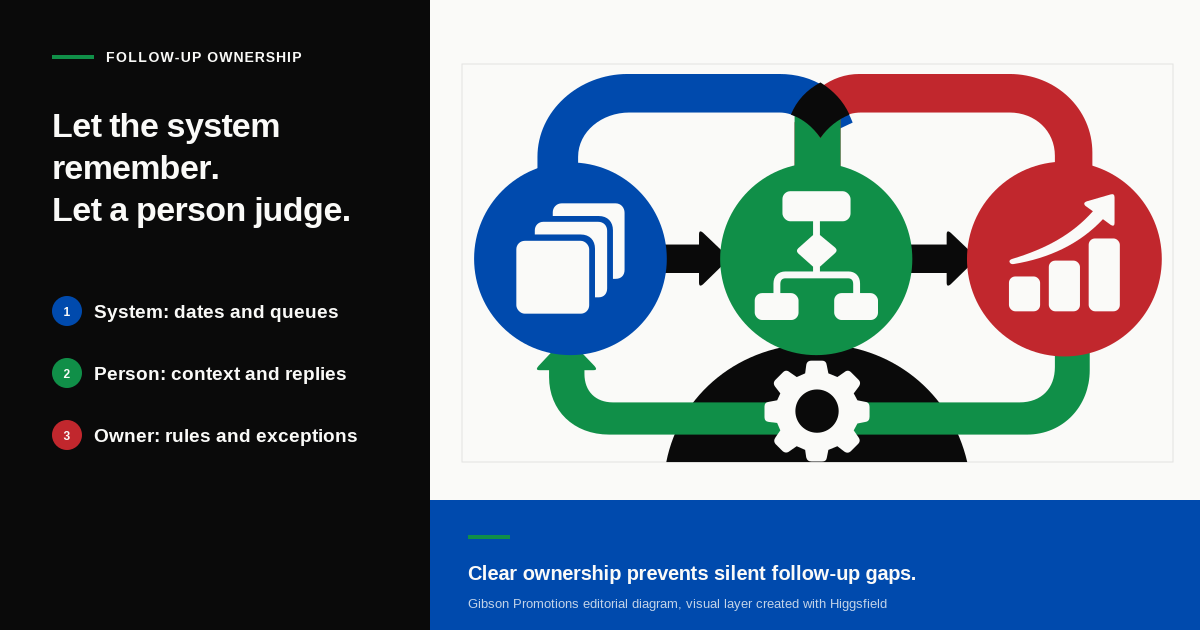
- Give every exception and next action an owner.
- Measure completed and paid work, not just messages and clicks.
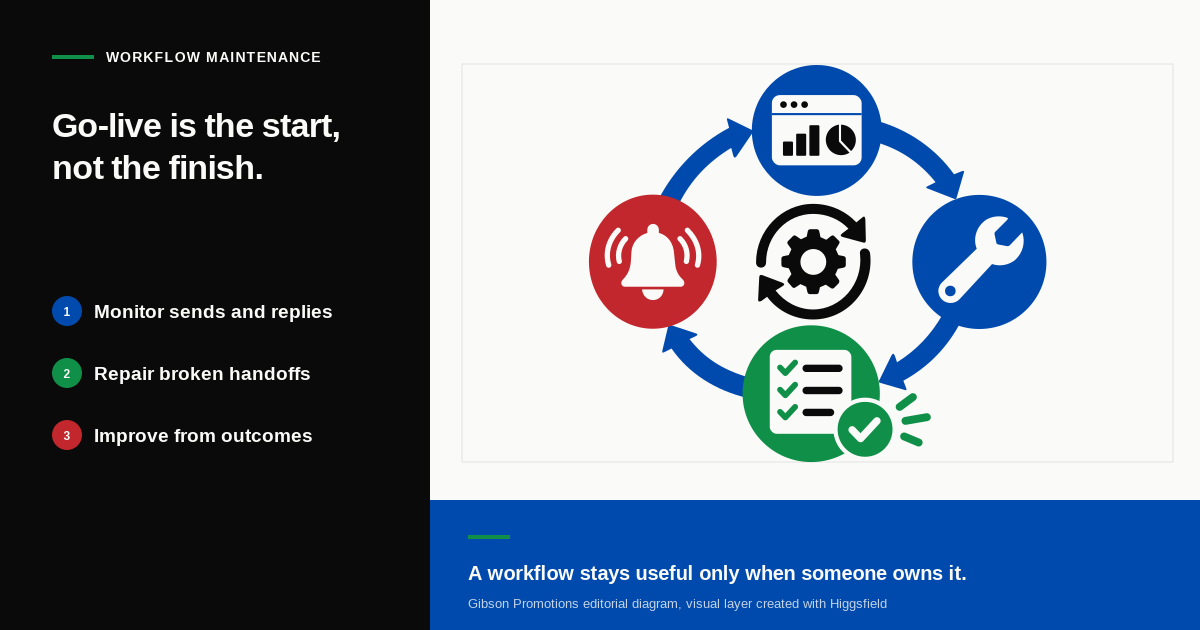
- Maintain the workflow when staff, offers, fields or providers change.
What work exists before the first message?
| Work | Decision |
|---|---|
| Identity | Which records belong to the same person or business? |
| Permission | What evidence allows this message and channel? |
| Selection | Why is this record in this campaign? |
| Message | Which facts, offer and boundaries are approved? |
| Ownership | Who receives and answers a reply? |
| Outcome | Which later states will be recorded? |
Why is message status more complicated than sent?
A text message passes through several steps. Twilio explains that it may accept a message first, then send an automatic update later to say whether delivery worked. Delivery errors can also arrive later.
The CRM must keep the steps the business needs and must not call an accepted or queued message delivered. A missing update, expired login or changed connection can leave the CRM wrong while the campaign appears to run.
How do replies and opt-outs move back into the CRM?
Replies arrive through an automatic update from the messaging provider. The integration must match the sender to the correct record, preserve the message, assign an owner and stop any automation that would create an awkward second message.
Opt-out handling needs its own test. Twilio notes that advanced opt-out is not enabled by default and that settings can apply across senders in a messaging service. ACMA requires commercial messages to provide a working unsubscribe.
What changed for Australian sender IDs?
Since 1 July 2026, branded sender IDs used for Australian SMS must be registered. ACMA says unregistered sender IDs may be replaced with Unverified and grouped with other unverified messages.
The business also needs a reply plan. A branded sender ID may not behave like a normal two-way mobile number, so the chosen provider and message design must support the required response path.
This is general information, not legal advice. Check current ACMA guidance and your provider's sender settings before launch.
What limits can the CRM impose?
CRMs and messaging providers limit how many requests can run at once and how many can run in a day. Zoho CRM counts usage through credits and calls running at the same time, and it can warn when use gets high. A workflow that works for 20 records may behave differently for 20,000.
Large jobs, retries and automatic updates must be designed so the same customer is not contacted twice when a request times out or the system tries again.
What must be tested before launch?
- A known eligible record.
- A duplicate record.
- A missing or invalid mobile number.
- A delivered message.
- A failed message.
- A normal reply.
- An opt-out reply.
- A reply after staff ownership changes.
- A retried event.
- A booking, closed outcome and unknown outcome.
Who owns the system after launch?
Name one business owner for the rules and one technical owner for the connection. Record the workflow version, credentials, endpoints, provider settings, field mappings and rollback steps.
A system without an owner keeps sending after the business, staff or offer changes.
Frequently asked questions
Is installing a CRM SMS plug-in enough?
No. The plug-in moves data. The business must still define identity, permission, selection, message approval, reply ownership, opt-outs, outcomes and monitoring.
Does sent mean an SMS was delivered?
Not always. A provider may first accept or queue a message, then send an automatic update with the later delivery result.
Do Australian sender IDs need registration?
Yes. Since 1 July 2026, branded sender IDs must be registered or messages may appear as Unverified.
What happens when a customer replies STOP?
The provider and CRM must record the opt-out and suppress future commercial messages. Test the complete path before launch.
How often should the integration be checked?
Monitor failures continuously and run a short operational review at least weekly, plus after changes to fields, staff, offers, providers or workflows.
Does Gibson use the same workflow for every business?
No. Gibson uses a repeatable build and test method, then creates the rules, handoffs, voice and measurement around the business's real customer path.
Sources and evidence
- Twilio: Messaging Services: Twilio explains the automatic delivery updates, incoming messages and opt-out data that a connected system must handle.
- Twilio: Advanced Opt-Out: Twilio documents configuration boundaries, reserved keywords and warnings about settings that apply across sender pools.
- Zoho CRM API v8 limits: Zoho explains daily usage, simultaneous request and operation limits that connected systems must monitor.
- ACMA: sending texts with a business name: Since 1 July 2026, Australian branded sender IDs must be registered or messages may appear as Unverified.
- ACMA: avoid sending spam: ACMA explains consent, sender identification and unsubscribe requirements for commercial email and SMS.